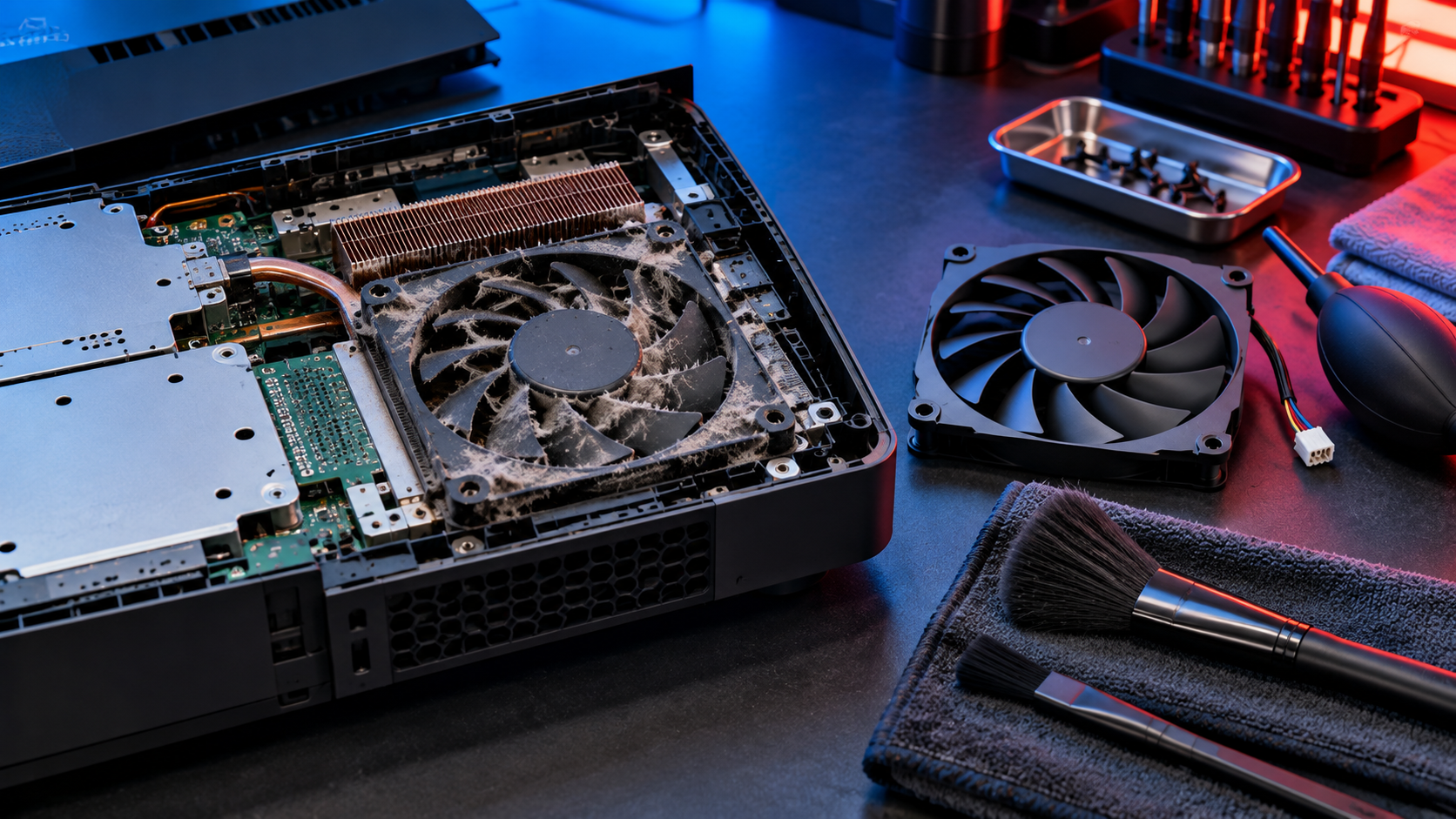
Modern consoles move substantial heat through compact cooling systems. Dust, pet hair, blocked vents, failing fans, dried thermal interfaces, and enclosed cabinets can reduce cooling performance.
Warning signs
Look for temperature warnings, sudden shutdowns during demanding games, unusually loud or grinding fans, severe performance drops, hot odors, or repeated crashes after the console warms up.
Improve the environment
Place the console on a stable open surface, leave clearance around vents, remove nearby heat sources, and keep the area free of heavy dust. Do not operate it inside a closed cabinet.
Know when to stop
Unplug a console that smells burnt, makes electrical noises, has a non-spinning fan, or shuts down repeatedly. Deep disassembly without correct procedures can damage clips, cables, liquid metal barriers, or thermal components.
Local repair help in San Antonio
Sony’s PS5 safety guidance warns that blocked ventilation and dust can contribute to overheating. For local diagnostics, review IFIX4U’s gaming console repair services.
If the device still needs attention, explore IFIX4U repair services or call (210) 467-8261. IFIX4U is located at 11825 West Ave #110, San Antonio, TX 78216. Diagnosis, parts availability, and turnaround vary by model and condition.
Quick questions
Should I back up my device first?
Yes. Back up important data whenever the device remains usable. Hardware service can involve risk, especially when liquid, storage, power, or motherboard faults are present.
Can every problem be repaired the same day?
No. Timing depends on diagnosis, parts, damage, and workload. Contact the shop with the exact model and symptoms for current availability.