Windows 10 reached end of support on October 14, 2025. The computer still turns on, but ordinary free security updates and technical support are no longer provided. In 2026, owners need a deliberate plan rather than ignoring the warning.
Check compatibility first
Run Microsoft’s compatibility checks and review processor, TPM, memory, storage, and firmware requirements. Do not bypass security requirements without understanding the stability and update consequences.
Where SSD and RAM help
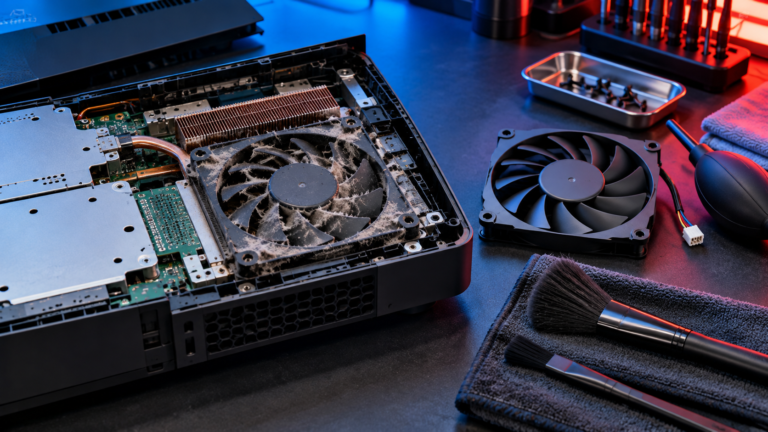
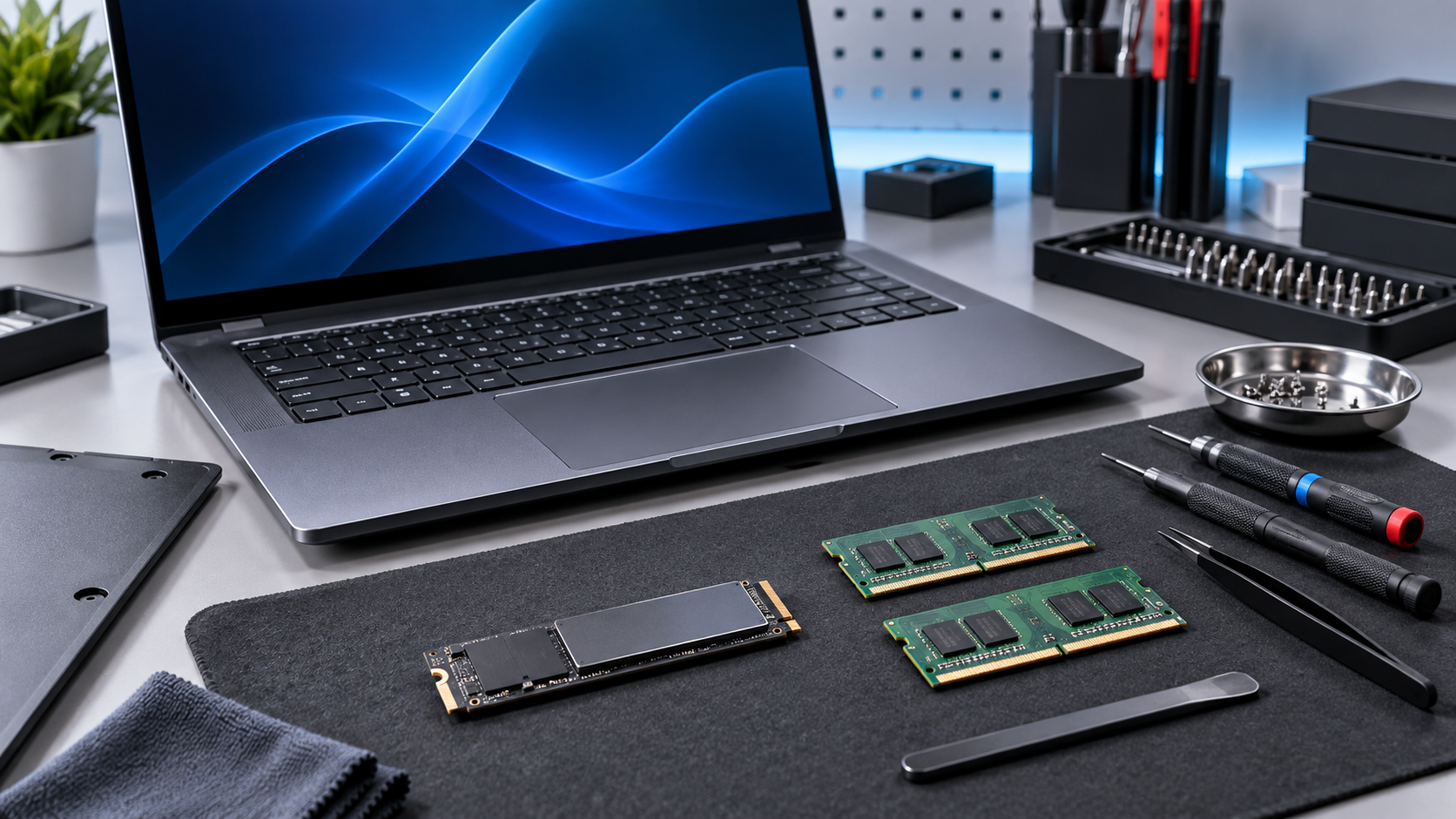
An SSD can dramatically improve startup and application loading on a machine still using a hard drive. Additional RAM can help multitasking. These upgrades improve speed but cannot make unsupported hardware officially compatible with Windows 11.
Choose among three paths
A compatible PC can upgrade to Windows 11. Some users may use Microsoft’s Extended Security Updates temporarily. Older or damaged systems may be better replaced after files are backed up and transferred.
Local repair help in San Antonio
Read Microsoft’s current Windows 10 end-of-support options before deciding.
If the device still needs attention, explore IFIX4U repair services or call (210) 467-8261. IFIX4U is located at 11825 West Ave #110, San Antonio, TX 78216. Diagnosis, parts availability, and turnaround vary by model and condition.
Quick questions
Should I back up my device first?
Yes. Back up important data whenever the device remains usable. Hardware service can involve risk, especially when liquid, storage, power, or motherboard faults are present.
Can every problem be repaired the same day?
No. Timing depends on diagnosis, parts, damage, and workload. Contact the shop with the exact model and symptoms for current availability.