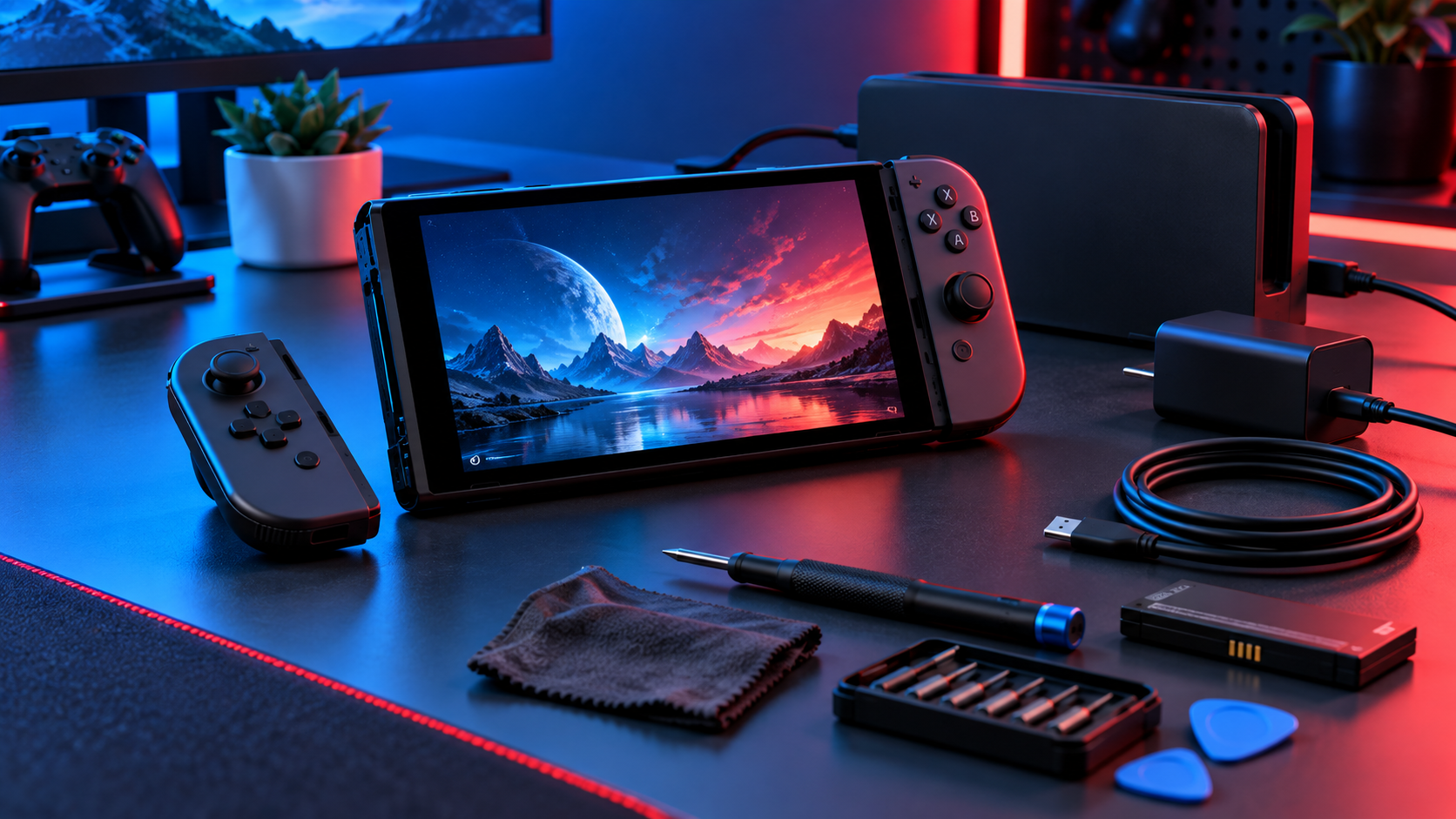
Handheld gaming makes charging habits especially important. The console, dock, cable, adapter, battery, and USB-C ports work as a system, so an incompatible or damaged component can look like a battery failure.
Use suitable power equipment
Use the included adapter or a compatible supply that meets Nintendo’s published requirements. A charger that works for a phone may not provide the correct power for docked play. Stop using frayed cables or loose connectors.
Manage heat and storage
Charge within the recommended temperature range, keep vents clear, and avoid leaving the console in a hot vehicle. For long storage, recharge periodically rather than allowing prolonged deep discharge.
When charging trouble appears
Test the official adapter directly, inspect both USB-C ports for damage, restart the console, and note whether charging works in handheld but not docked mode. Do not scrape a connector with metal tools.
Local repair help in San Antonio
Nintendo provides current Switch 2 charging and battery guidance, including temperature and long-term charging precautions.
If the device still needs attention, explore IFIX4U repair services or call (210) 467-8261. IFIX4U is located at 11825 West Ave #110, San Antonio, TX 78216. Diagnosis, parts availability, and turnaround vary by model and condition.
Quick questions
Should I back up my device first?
Yes. Back up important data whenever the device remains usable. Hardware service can involve risk, especially when liquid, storage, power, or motherboard faults are present.
Can every problem be repaired the same day?
No. Timing depends on diagnosis, parts, damage, and workload. Contact the shop with the exact model and symptoms for current availability.