Welcome to the ultimate guide for remote workers and students in the Alamo City. San Antonio has a booming coffee culture. Finding a cozy spot with great espresso and reliable internet is essential. Whether you are studying for exams or managing your business remotely, a good coffee shop is a lifesaver. However, connecting your laptop or smartphone to public internet comes with significant risks.
In this post, we will share the top cafes in San Antonio to get your work done. Then, we will dive into the tech side of things and explain how to keep your personal data and your devices completely safe. If you ever face hardware issues like a spilled latte on your keyboard, you can always rely on the experts at I Fix 4 U in San Antonio for fast repairs.
Top Coffee Shops With Free Internet In San Antonio
- Local Coffee Founders Located in the bustling Pearl District, this cafe is a staple for remote workers. It offers plenty of seating and a very cozy atmosphere. The internet connection is fast and reliable. You can take your meetings indoors or step outside to enjoy the beautiful historic architecture of the Pearl. It is an ideal spot for checking emails and grabbing a fresh pastry.
- Bright Coffee If you find yourself in Midtown, this spacious cafe provides incredible natural light and a very relaxed vibe. The community loves it for its rotating local art and large comfortable seating areas. It is perfect for focused work sessions. The internet is stable, making it a favorite for those who need to upload large files or attend video calls without dropping the connection.
- Shotgun House Coffee Roasters Tucked away on the West Side, this warehouse style coffee shop is a hidden gem. It offers generous indoor seating and an in house coffee roaster. The vibe is welcoming and open. Students and remote professionals love the large tables which are great for spreading out laptops, notebooks, and tablets.
- Barrio Barista For a true local flavor, you have to visit this family owned spot on the Northwest side. They serve up amazing specialty drinks like horchata lattes alongside great food. The environment is warm and inviting. With excellent internet speed and a private parking lot, it is highly convenient for anyone needing a comfortable workspace for a few hours.
How To Stay Safe On Public Networks
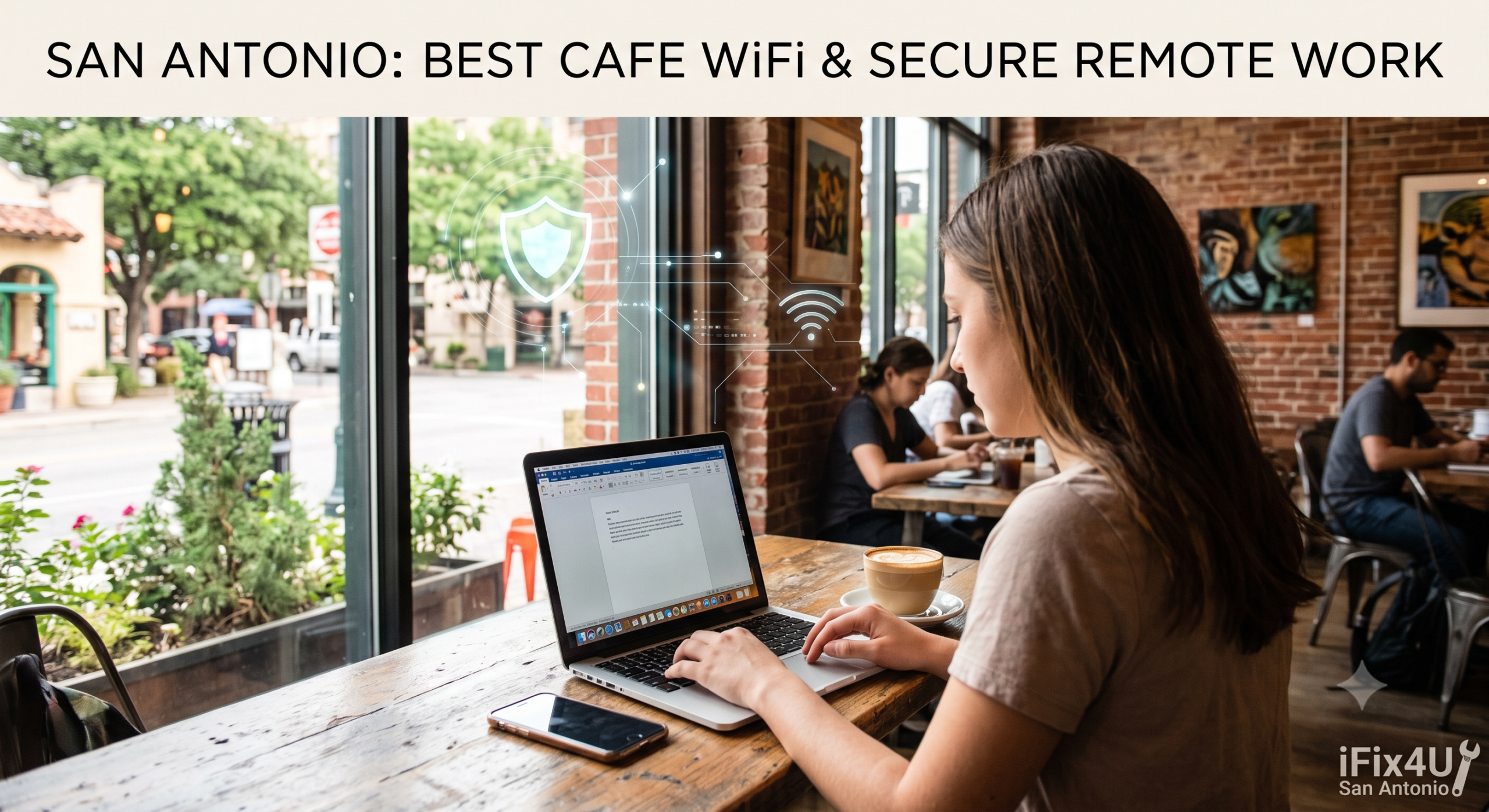
While working from these fantastic local spots is enjoyable, you must remember that open internet networks are prime targets for cyber threats. Because the connection is not secured, malicious users can easily intercept your data. Here is how you can protect your digital life while working remotely.
- Use A Virtual Private Network The single best step you can take is to use a Virtual Private Network. This software encrypts your data before it leaves your device. Even if someone intercepts your connection, all they will see is scrambled code. Make it a habit to turn this on before you type in any passwords or access your bank accounts.
- Turn Off File Sharing When you are on your home network, sharing files between your computer and printer is great. On a public connection, leaving file sharing on is like leaving your front door wide open. Go into your laptop settings and disable file and printer sharing immediately upon connecting to a cafe network.
- Stick To Secure Websites Always look at the website address bar. You want to see HTTPS at the beginning of the web address. The S stands for secure. This means the website encrypts the data passing between your browser and their server. Many browsers will warn you if a site is not secure. Do not ignore those warnings.
- Keep Your Software Updated Hackers exploit vulnerabilities in outdated software. Before you head out to work, ensure your operating system, web browser, and antivirus programs are fully updated. These updates contain critical security patches that keep your data locked down.
Protecting Your Hardware From Cafe Hazards
Digital security is only half the battle. Coffee shops are hazardous environments for delicate electronics. A single bumped table can send a full cup of coffee directly onto your laptop keyboard.
- Keep Liquids Away From Your Device Always place your coffee or water on a separate table or far away from your electronics. If you use a laptop stand, it elevates your device and adds an extra layer of physical protection against accidental spills.
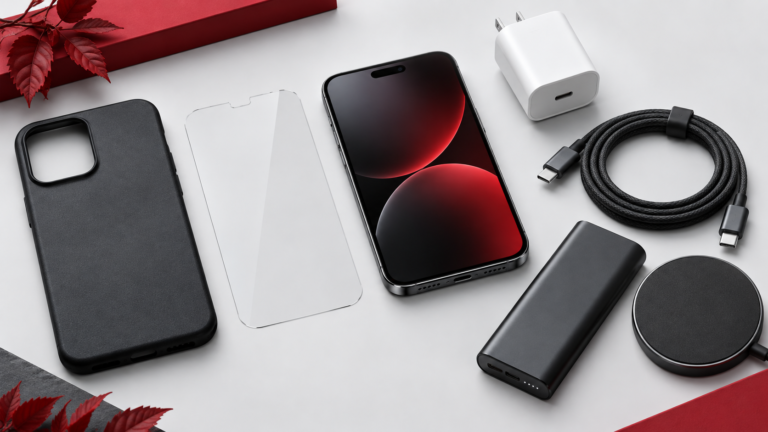
- Invest In A Good Case Tiles and concrete floors are unforgiving. A high quality padded sleeve for your laptop and a heavy duty case for your phone will prevent disastrous screen cracks if you accidentally drop them while packing up your bag.
What To Do If Disaster Strikes
Sometimes accidents happen despite our best efforts. If your phone gets dropped on the pavement outside the cafe or your laptop suffers water damage from a spilled drink, do not panic. Turn off the device immediately to prevent short circuits. Do not try the old rice trick as it can actually cause more damage.
Instead, bring your device straight to the professionals. You can visit www.ifix4usanantonio.com for expert diagnostics and repair services. Our experienced technicians handle everything from shattered screens to liquid damage and battery replacements. We will get your tech back up and running so you can get back to your favorite coffee shop and finish your work.
Working remotely gives you the freedom to explore the best cafes the city has to offer. By practicing smart network safety and taking physical care of your electronics, you can enjoy your coffee with total peace of mind.